Some of the app's screens are still only in Portuguese.
Fotosfy for Android: pre-launch. Join the 14-day test. Anyone who completes it and has their assessment approved gets 6 months of the Basic plan at launch.
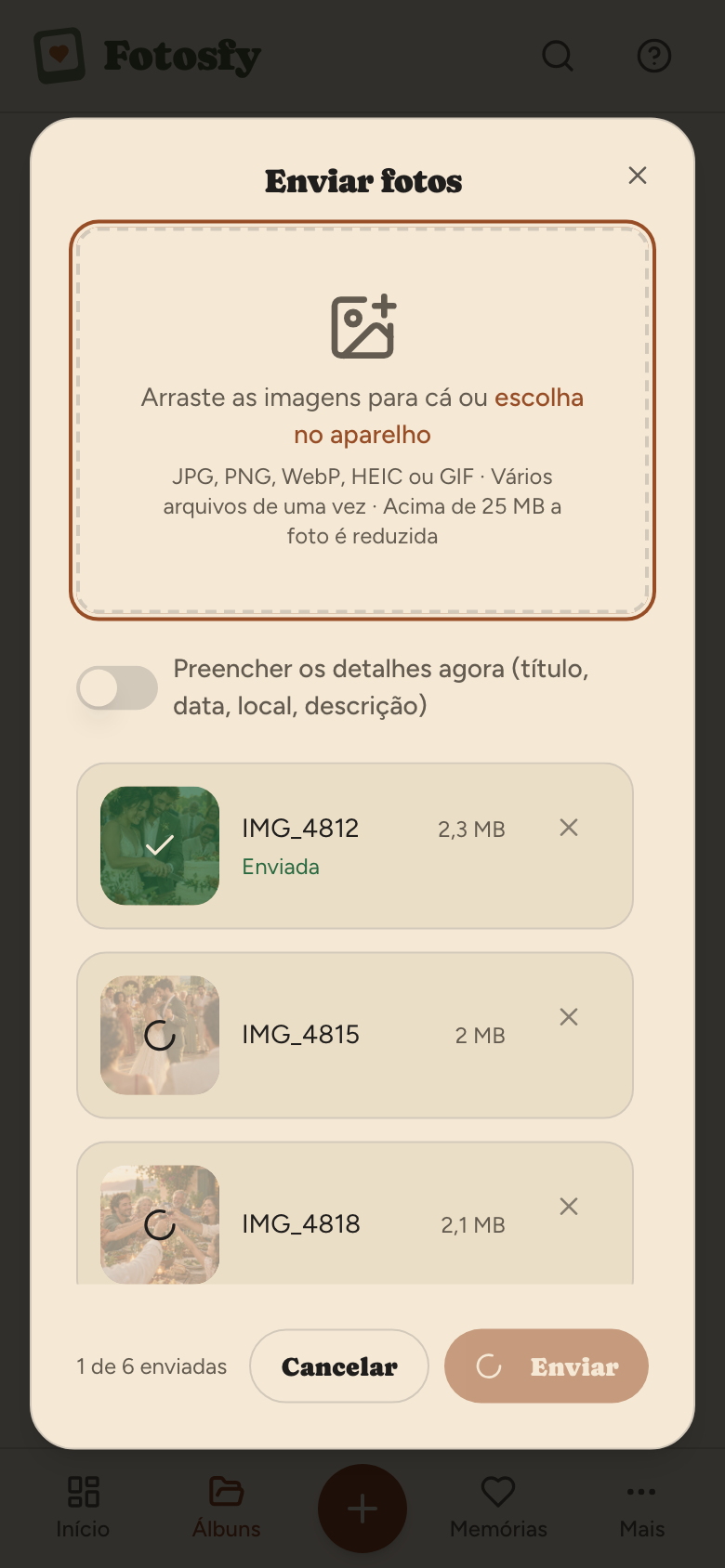
Upload from the app, on your phone or computer. Anyone who prefers can send them via Telegram. The date and place of each photo come straight from the file.
Dozens of photos at once
Date and place read from the photo, no typing
Heavy photos are lightened for the TV
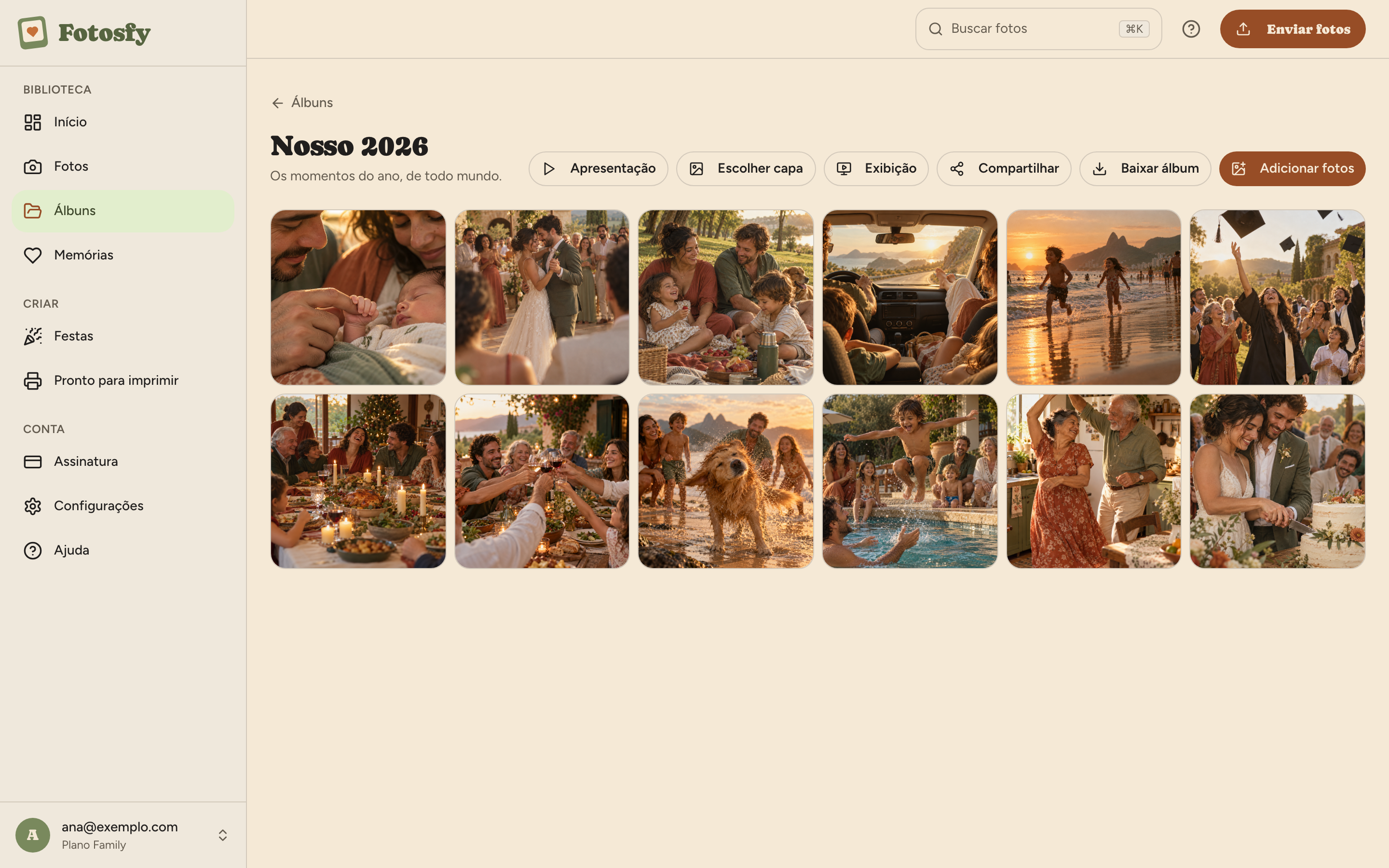
An album for every moment.
Sort them by event: the wedding, the birthday, the holiday. To show someone without an account, send a link. It can have a password, and you can switch it off whenever you like.
Private until you share it
Password-protected links, if you want
A cover for every album
On the living-room TV, no typing passwords with the remote.
Connect the TV with a short code and your albums appear there, playing on their own in full screen. The TV shows the code, you confirm it on your phone.
Works in the TV's web browser
Connects with a code, no password
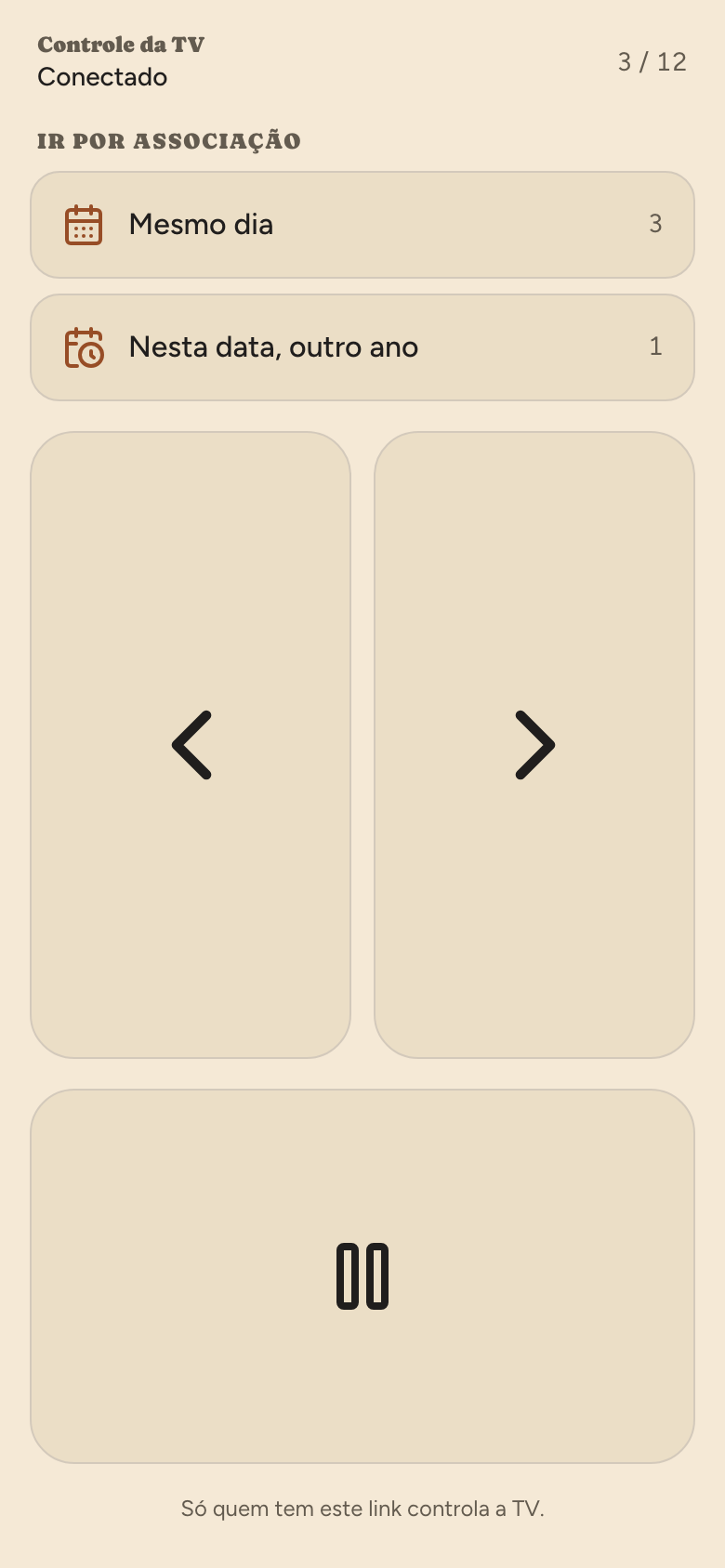
At a party, your phone becomes the remote
Grandma doesn't need to install anything.
She gets a link and opens it on her phone. Or you connect her TV once, and she sees the family albums without creating an account.
Pick the photos. The book puts itself together.
Fotosfy sorts the photos by day, into chapters, and links one chapter to the next. You add a title, choose the cover and that's it: a story to leaf through with the family.
Your photos are not the product.
Fotosfy is paid for by subscriptions. That's why we show no ads and never sell your data.
No advertising in the app. And this website doesn't even use cookies.
Data stored in Brazil
Photos and database on servers in São Paulo, over an encrypted connection.
Private until you share
Each account sees only its own photos. An album only leaves by link, and the link can have a password.
You can always leave
Download all your photos and delete your account whenever you like, right in the app.
At the party, everyone sends photos. The TV shows them straight away.
Put a QR code on the tables. Each guest gets in with a PIN, no account needed, and uploads from their own phone. You approve, and the photo goes up on the TV.
A QR code on the tables
A PIN for each guest
You approve, the TV shows it
Already used at a real party, in September 2026.
Choose your family's space
Start for free, with your photos on your phone. Paid plans have every feature; only the space changes, and how many TVs and devices you connect.
Freemium
For keeping your photos on your own phone and showing them on the frame at home.
Free
Forever, no card
Up to 500 photos on your phone
Digital Frame over your home Wi-Fi
Optional backup to your Google Drive
No Fotosfy cloud: no web, no TV, no access away from home
Pay with Stripe on the web or Google Play in the app
Compare the plans
Plan
Space
Photos
TVs and devices
Freemium
On your phone
500
Frame over Wi-Fi
Basic
10 GB
1,000
2
Family
50 GB
Unlimited
5
Premium
200 GB
Unlimited
10
Ultimate
1 TB
Unlimited
Unlimited
In every paid plan
TV app and full-screen display
Live party with guests
Phone as the remote at parties
Memory book
Albums by link, with a password
Sending via Telegram
Ready to print, as a PDF
Download all your photos
Prices in US dollars (US$), euros (€) or Brazilian reais (R$). On the yearly plan, the monthly price is the yearly total divided by 12.
Frequently asked questions
Is there a free plan?
Yes, Freemium: up to 500 photos kept on your phone, shown on the frame over your home Wi-Fi, with optional backup to your Google Drive. No card and no time limit. Paid plans are charged when you subscribe.
How do I cancel?
In the app, under Subscription. On the web, cancelling is handled by Stripe; in the Android app, by Google Play. Cancelling takes effect at the end of the period you've already paid for.
Who can see my albums?
Only you, until you share them. A shared album opens with a link, which can have a password, and you can switch the link off whenever you like. The app doesn't show the photos' location to whoever gets the link.
Where are my photos stored?
On servers in São Paulo, Brazil, over an encrypted connection. We don't sell data and we don't show ads.
Does it work on my TV?
If your TV has a web browser, it already works: the TV shows a code and you confirm it on your phone. The Android TV app is coming soon to Google Play.
Does Grandma need an account?
No. Anyone who only watches opens a link or looks at the TV you connected. No account or app needed, and they only type a password if you put one on the link.
How do I send photos?
From the app, on your phone or computer, several at a time. Or send them to our Telegram bot and the photo lands in the album. At a party, guests upload with the QR code and a PIN, no account needed.
What if I stop paying?
If a payment fails, you have 7 days to sort it out without losing anything. When the subscription ends, the account stays read-only for 30 days so you can download your photos or bring them to your phone. After that, the cloud photos are deleted and the account carries on as Freemium, with the photos on your phone.
Can I download everything and leave?
Yes. Download your photos whenever you like and delete your account in Settings → Delete account. The Delete account page, in the footer, explains what is deleted and when.
How do I contact you?
By email at fotosfy.admin@gmail.com, or on Instagram and Facebook: @usefotosfy.
Bring the family's photos together today.
Start for free on Freemium, no card. Subscribe whenever you want the cloud.